How to Split an A3 PDF Into Two A4 Pages
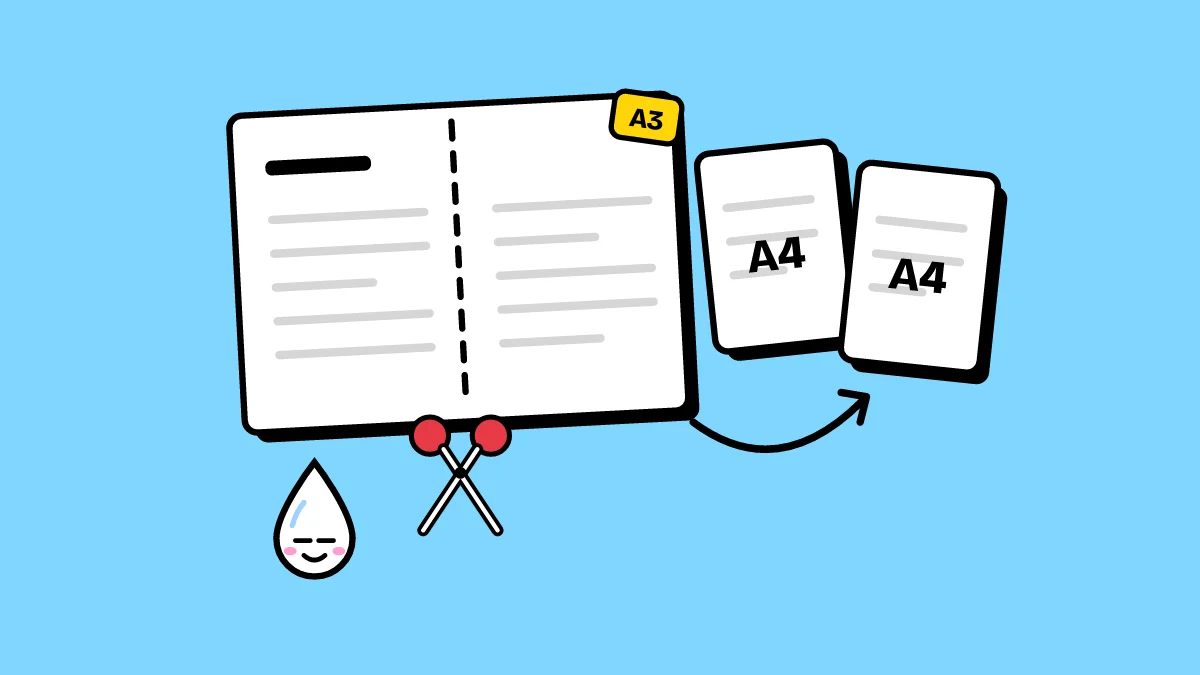
Two jobs need the same cut. Drawings laid out on A3 that have to print on an A4 printer, and books or magazines scanned two pages at a time that should read one page at a time.
Why halve instead of shrinking?
Shrinking an A3 drawing onto A4 makes fine lines, dimensions and notes hard to read. Cutting it in half keeps everything at full scale: print the two sheets and lay them side by side.
Which way to cut
- Down the middle: a left half and a right half. For a landscape A3, each half is an A4 portrait page; for a scanned book spread, each half is one page.
- Across the middle: a top half and a bottom half, for a portrait A3.
- Which half first: left first is the usual reading order; right first is for books read right to left.
How to halve PDF pages
- Open Halve pages and drop in your PDF.
- Choose where to cut and which half comes first.
- Cut all pages, or tap only the ones that need it, such as the spreads in a scan with a single cover.
- Click the button and download the new PDF.
Do it now: Halve Pages