How to Convert JPG and PNG Images to PDF
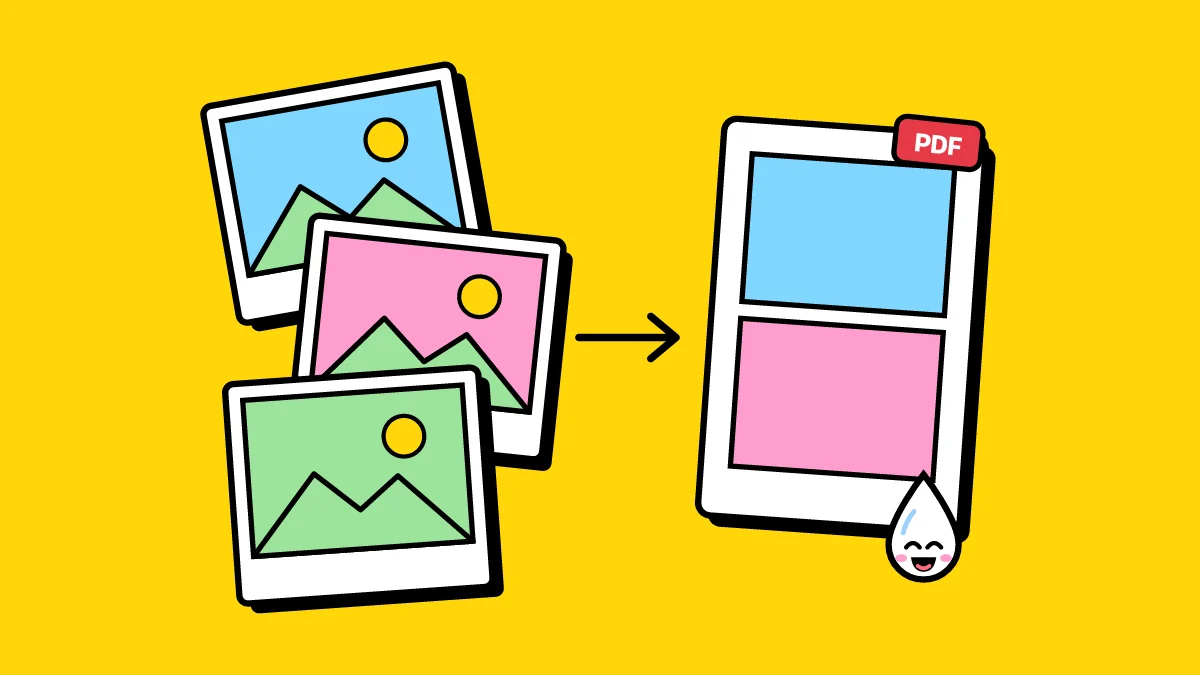
One PDF is easier to email, print and keep than a dozen loose photos, and it keeps them in the order you meant: photographed receipts, scanned forms, screenshots for a report.
How to turn images into a PDF
- Open Images to PDF and add your photos: JPG, PNG, WebP or iPhone HEIC, as many as you like.
- Drag them into order, and turn any that are sideways.
- Pick the page size (A4, Letter, or the same as each photo), the orientation and the margins.
- Make the PDF and download it.
Getting a clean result
- Set Margins to None to fill the page with the photo.
- Same as photo gives each page the shape of its picture, with nothing cropped.
- For photos of paper documents, Scan to PDF straightens the page and cleans up shadows first.
Do it now: Images to PDF