How to Merge PDF Files Online for Free
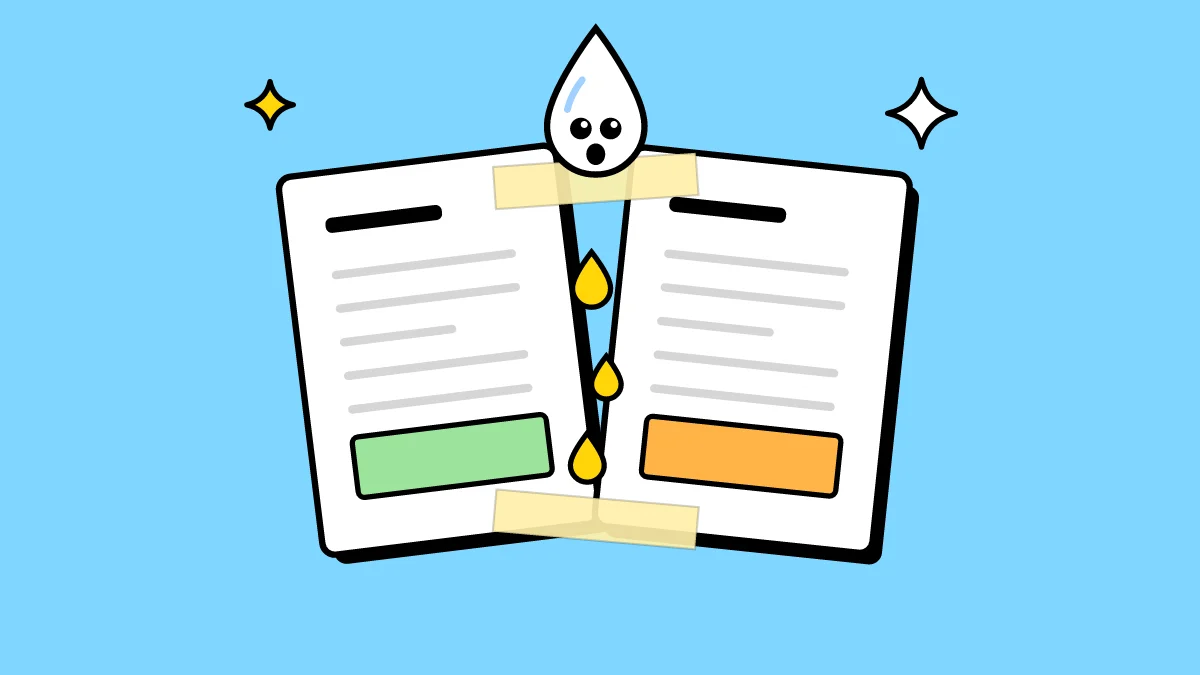
A CV with its cover letter, a month of invoices for the accountant, chapters written by different people: merging puts them in one file, in the order you choose.
How to merge PDF files
- Open Merge and drop in all the files. PDFs and images can go together, as many as you like.
- Drag them into order. The order you see is the order of the final document.
- Click Merge and download the combined PDF.
Does merging affect quality?
No. The pages are copied as they are: text, fonts and images stay exactly as in the original files. An image you add becomes its own page.
Is there a limit?
No set limit on files or pages. Everything happens in your browser, so the practical limit is your device's memory; a computer handles hundreds of megabytes.
Password-protected PDFs
A locked PDF has to be unlocked first with Unlock PDF, and you need to know its password. If the merged file should be private, lock it again with Protect PDF.
Do it now: Merge PDF