How to Remove Pages from a PDF for Free
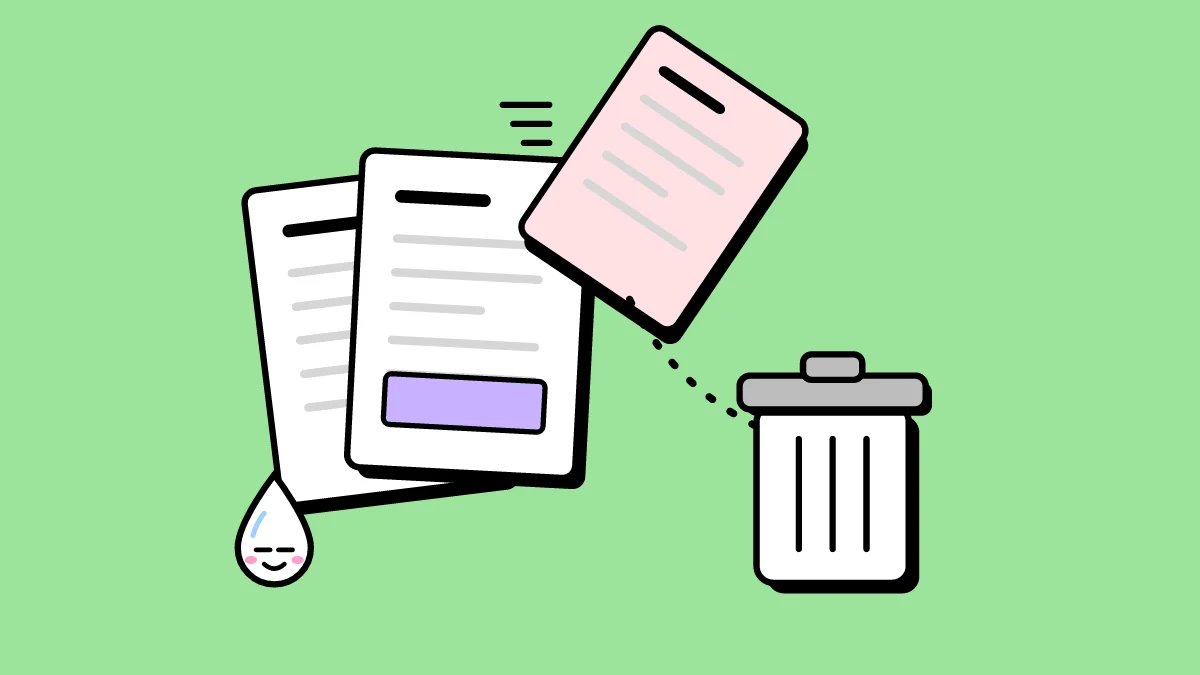
A PDF often carries pages you don't need: blank pages from a scanner, a cover sheet, an outdated annex, a confidential section you shouldn't forward. Removing them takes seconds.
How to remove pages from a PDF
- Open Remove pages and choose your PDF. You see every page.
- Tap the pages you want gone. They are marked in red.
- Click Remove and download the PDF with the pages that are left.
What if I remove the wrong page?
You download a new PDF; the file on your device is not touched. Open the original again and start over.
Remove pages or split?
Remove pages gives you everything except the pages you mark. If it is easier to say which pages you want to keep, use Split PDF with Pick pages instead.
Do it now: Remove Pages